Halloween · Wear OS
Sutura Noctis
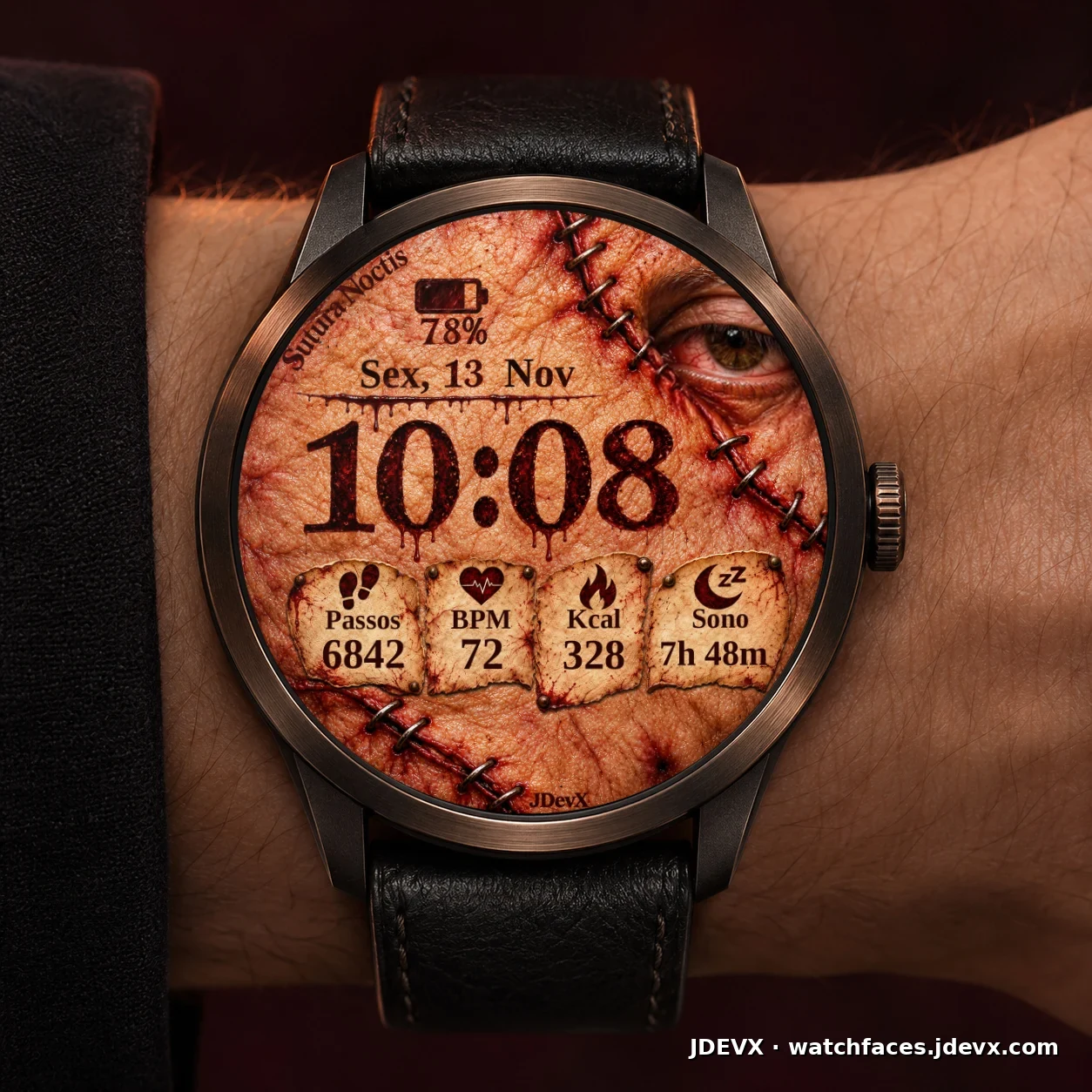
A Halloween watch face for Wear OS. The eye blinks in active mode and closes when the watch enters its always-on mode.
- Wear OS 5+
- 7 shortcuts
- Always-on display
Video with audio · 30s
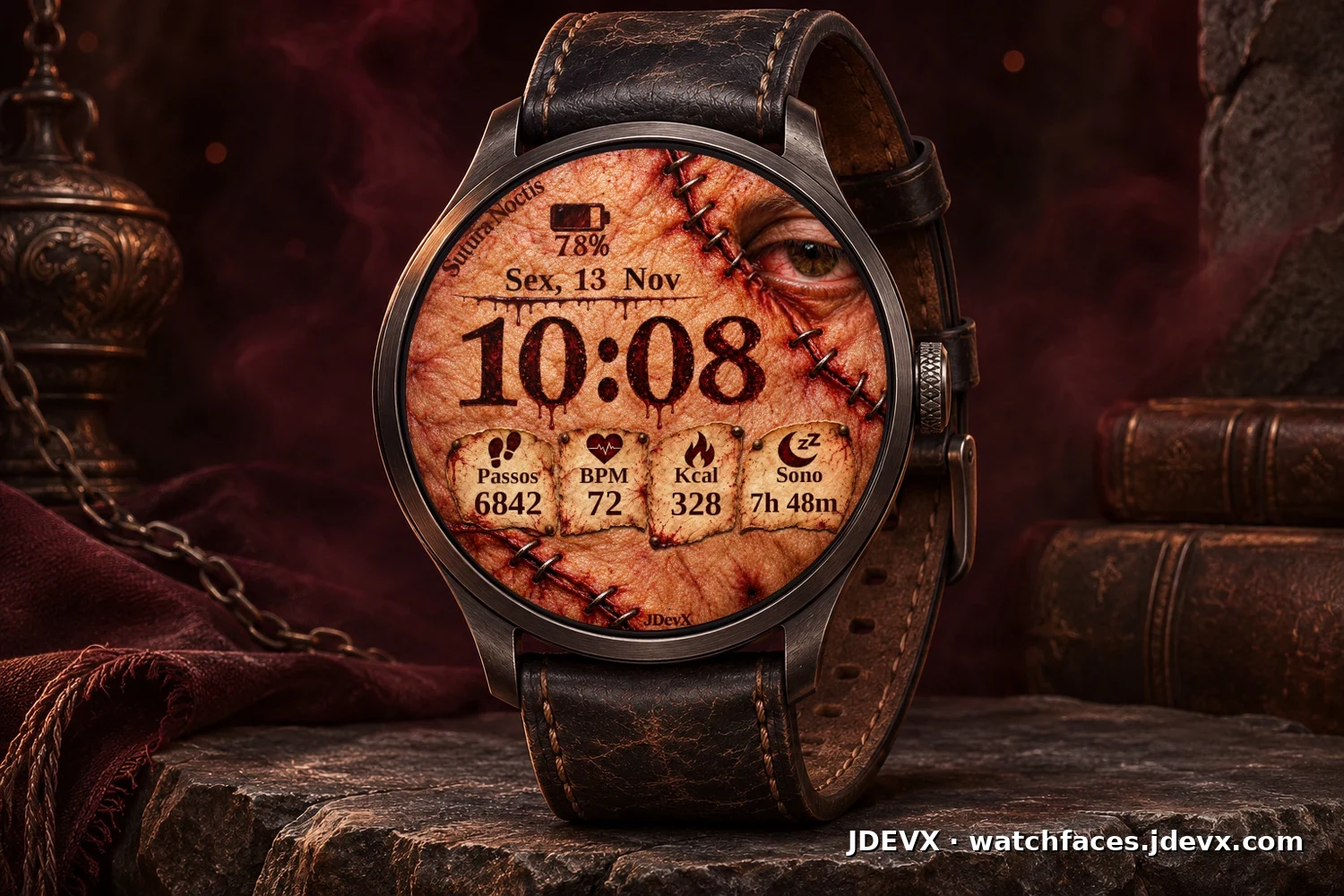
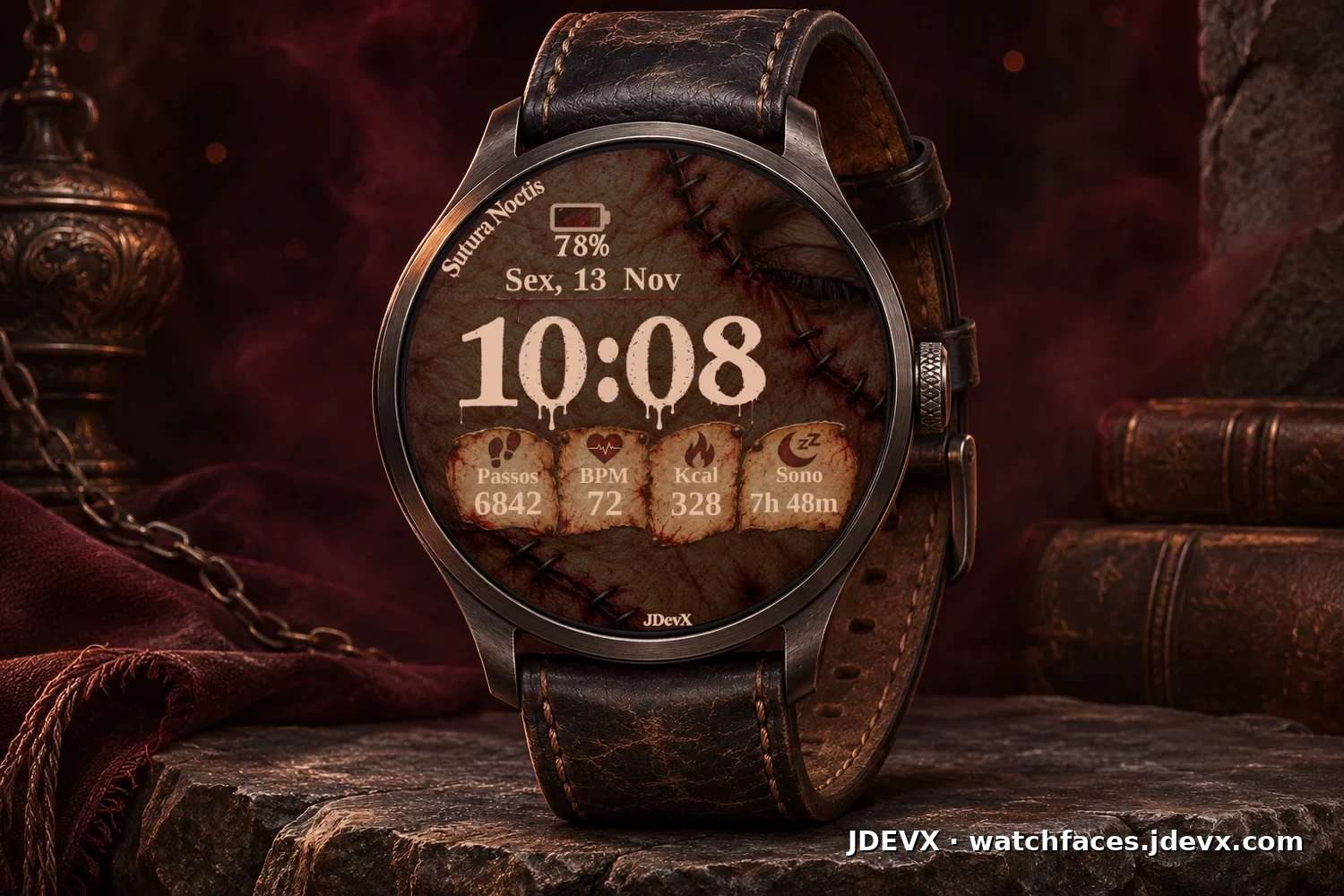
Active and always-on
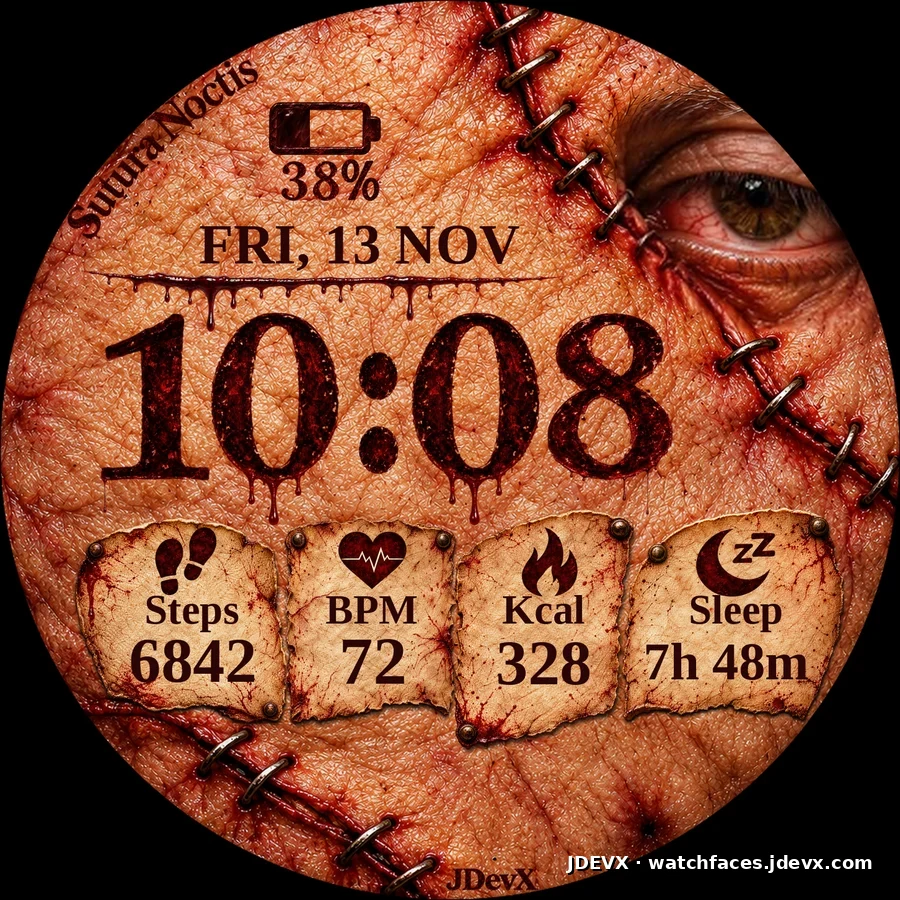
Active mode
A blinking eye, dark red numerals and a liquid fill that follows the battery level.
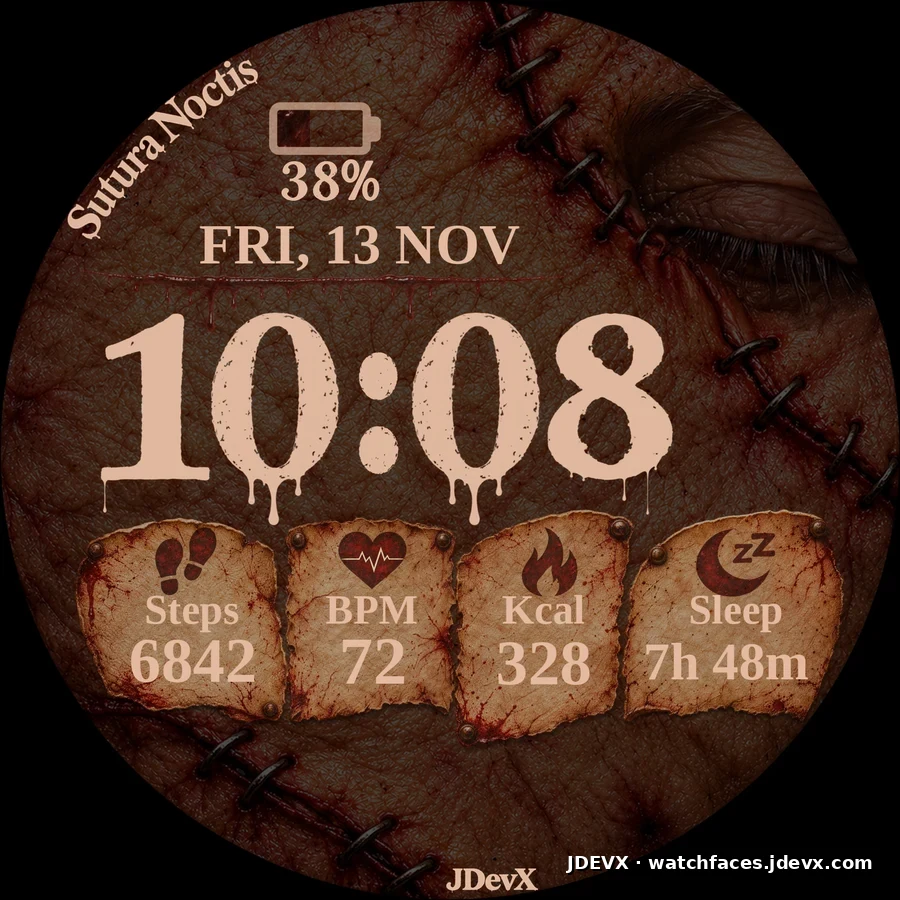
Always-on display (AOD)
A closed eye and a dimmed background, with time, date, battery and lettering in lighter tones.
Seven shortcuts on the dial
Tap the time, date, battery or data panels to access the destinations below.
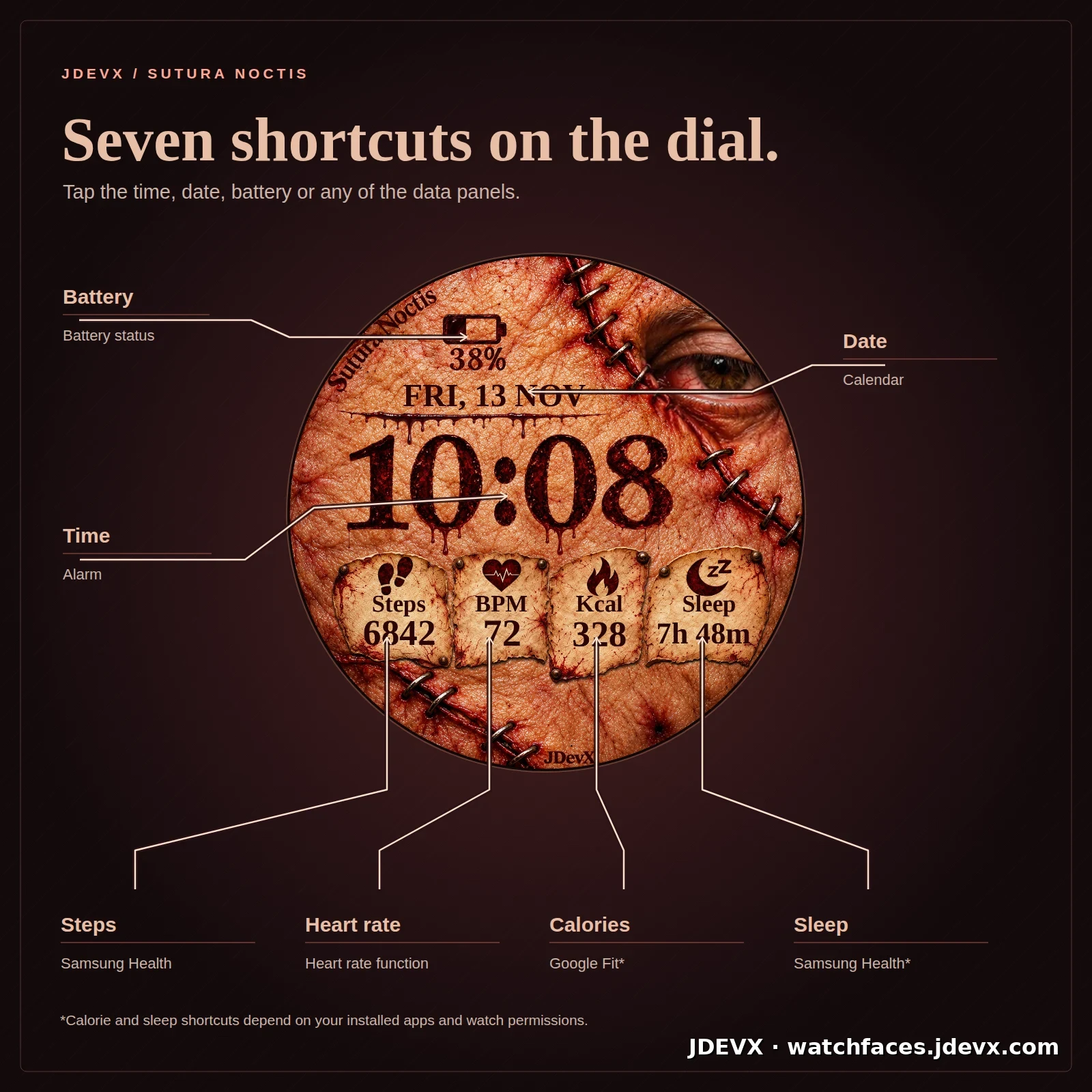
- Time
- Alarm
- Date
- Calendar
- Battery
- Battery status
- Steps
- Samsung Health, when installed
- Heart rate
- Heart rate function
- Calories
- Tap action supplied by the calorie provider. Default: Google Fit.
- Sleep
- Tap action supplied by the sleep provider. Default: Samsung Health.
Calorie and sleep data depend on the installed apps, permissions and synced data on your watch.
On the watch
Promotional simulations using the project’s watch face.